
Last updated October 30, 2026
 Wrought iron
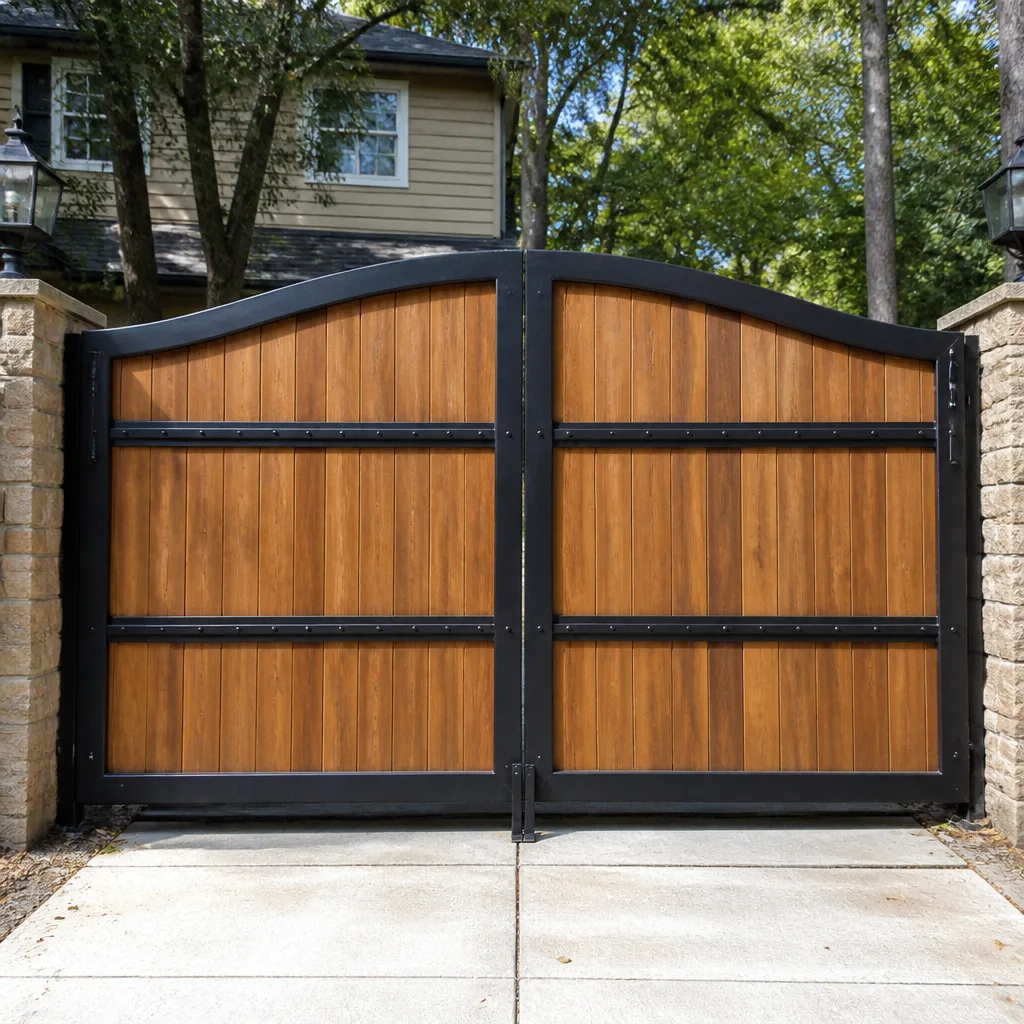 Wood & steel frame
 Farm & ranch
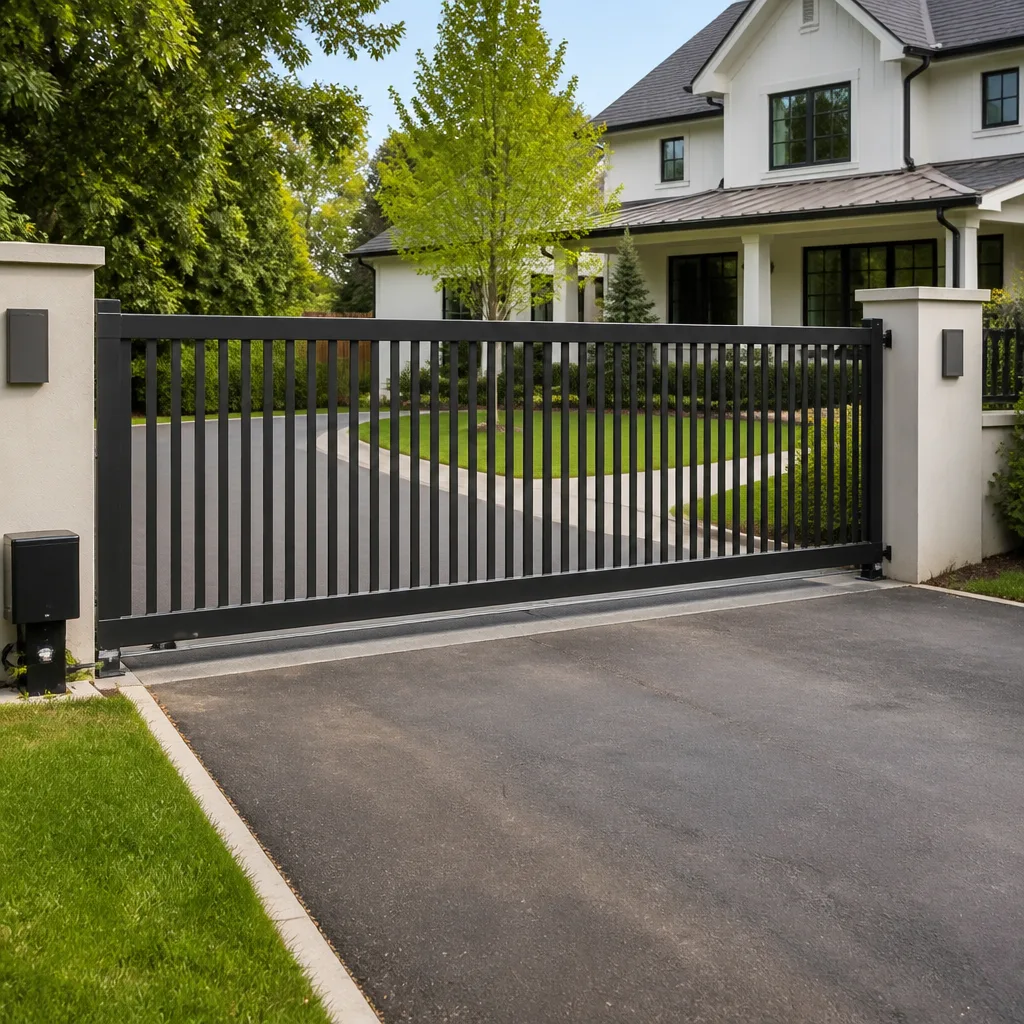 Sliding driveway gates
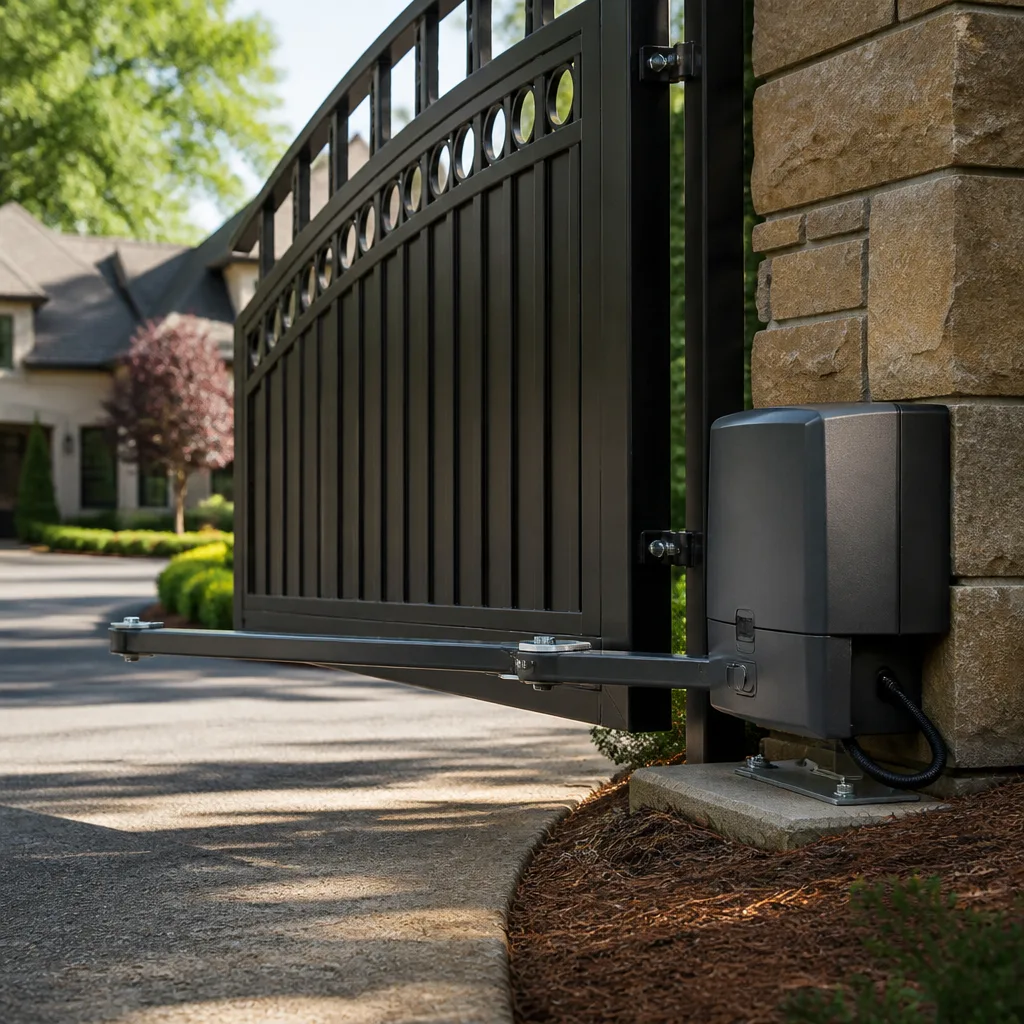 LiftMaster operators
Free on-site gate assessment - hinges, posts, and your LiftMaster or Nice gate operator checked before anything is quoted
The assessment is free and the quote is the invoice.
Get your free estimateGate Repair Troubleshooting: Common Problems and How to Fix Them
If your gate stops mid-travel every time, not randomly but consistently at the same point, that is not an electrical fault. That is a mechanical obstruction or a limit switch drift, and you can confirm it in under two minutes. This guide walks you through how to read your gate’s actual behavior: the direction it fails, the sounds it makes, the error codes it flashes, and the timing of the malfunction. By the time you finish, you will know whether you are looking at a mechanical bind, a wiring fault, a control board issue, or a failed safety loop. We have applied this same diagnostic approach to hundreds of gates across Miami Gardens, from residential swing gates in residential neighborhoods to commercial slide gates on industrial properties. Our goal is simple: help you understand your gate well enough to make the right call, whether that call is a five-minute fix or a phone call to Archway Gate Repair home.
Styles & brands we work with
Quick Answer
Most gate failures come down to one of four causes: a mechanical obstruction or misalignment, a failed safety sensor or loop, a wiring or power issue, or a control board fault. You can narrow it down by observing where and when the gate stops, what error code it shows, and whether the failure is consistent or intermittent. The fix ranges from cleaning a track to replacing a control board, and the diagnostic process below will help you tell the difference before you spend money.
Table of Contents
- Symptom-to-Cause Decision Tree: Read the Behavior First
- Gate Won’t Open at All: Power, Board, or Motor
- Gate Opens Partway and Stops: Mechanical Bind or Limit Drift
- Gate Opens But Won’t Close: Safety Loop and Sensor Failures
- Gate Moves Slowly or Struggles: Load, Voltage, and Wear
- Beeps With No Movement: Reading Error Codes Without a Manual
- Intermittent Failures vs. Hard Failures: Why the Difference Matters in Miami Gardens
- What Is Safe to Check Yourself vs. What Risks Your Warranty
- Common Mistakes to Avoid
- When to Call a Professional
- Frequently Asked Questions
- The Bottom Line
Symptom-to-Cause Decision Tree: Read the Behavior First
Before you open a single panel or touch a single wire, stop and describe exactly what the gate does. Not “it’s broken,” but the precise sequence: it starts to open, moves about eighteen inches, stops, and the operator light blinks four times. That description alone tells an experienced tech more than a photo of the operator. Here is the decision tree we use on every service call in Miami Gardens, and you can use it standing in your own driveway.
Step 1: Identify the Failure Direction
- Gate does not move at all in either direction: Check power first, then the control board, then the motor capacitor or the motor itself.
- Gate moves one direction but not the other: This is almost never the motor. It is a limit switch, a safety input, or a directional relay on the board.
- Gate moves a short distance and stops or reverses: You are looking at an obstruction, a binding hinge or roller, or a safety sensor that is falsely triggering.
- Gate moves but slowly or with visible strain: This is a load issue: worn rollers, a sagging gate leaf, low voltage to the operator, or a failing capacitor.
Step 2: Note the Timing
Does the failure happen at the same point every time? That points to something physical: a bent section of track, a warped gate frame, a misaligned safety edge, a drifted limit. Does it happen randomly? That points to something electrical or environmental: a loose connection, a failing control board, moisture in a junction box, or a safety loop that is picking up interference from underground power lines. This timing distinction is the single most useful diagnostic clue you can give a technician, and it is the one homeowners most often overlook.
Step 3: Watch for Error Codes
Most automatic gate operators manufactured in the last twenty years flash a diagnostic code through an LED on the control board or through the operator’s built-in light. Section six of this guide covers how to read those codes on LiftMaster, Linear, BFT, and FAAC systems without digging out a manual.
Step 4: Separate the Gate From the Operator
This is the test that separates a real diagnosis from a guess. Disconnect the operator from the gate leaf, either by pulling the manual release handle or removing the drive arm or chain. Now push the gate by hand. If it moves freely, the gate itself is fine and your problem is in the operator or the electrical system. If the gate is heavy, binding, or grinding when pushed by hand, no new control board will fix it. You have a mechanical problem, and you have just saved yourself the cost of replacing the wrong part. If you are not comfortable disconnecting the operator, call us and we will walk you through it or come out to Gate Repair in Miami Gardens.
Gate Won’t Open at All: Power, Board, or Motor
A gate that does nothing, in either direction, with no hum, no click, no light, is a power problem until proven otherwise. A gate that does nothing but the operator light is on, or you hear a faint click, is a board or motor problem. Here is how to tell the difference in under ten minutes.
- Check the obvious power source. Is the outlet the operator plugs into live? Plug in a lamp or a phone charger. In Miami Gardens, exterior GFCI outlets trip constantly due to humidity and rain, and a tripped GFCI is the single most common cause of a completely dead gate operator. Reset the outlet, but if it trips again immediately, you have a short somewhere in the operator circuit, not a power company problem.
- Check the operator’s own fuse or breaker. Most residential operators have an inline fuse or a small reset button on the unit itself. A blown fuse is a symptom, not a cause: something drew too much current. Replacing the fuse without finding the cause will just blow the next fuse.
- Look at the control board LED. If the board has no LED at all when the unit has power, the board is likely dead or the transformer feeding it has failed. If the LED is on but dim or flickering, you have a voltage problem: this is common in older Miami Gardens neighborhoods where the electrical grid is older and voltage sags under load.
- Listen for a click when you press the remote or the keypad. A click means the board is receiving the command and trying to activate something. A click with no movement means the motor capacitor is dead, the motor is seized, or a relay on the board has burned out without fully failing.
- Smell the operator housing. A distinct burned-electrical smell means a component failed hard: usually a transformer, a capacitor, or a relay. This is not a reset-and-forget situation. The part needs replacement.
In our experience, when a gate in Miami Gardens is completely dead and the outlet is live, the cause splits roughly evenly between a failed control board and a failed motor capacitor. The capacitor is cheap. The board is not. This is exactly the situation where a brand-familiar diagnostic pays for itself: we know the failure patterns of Linear, DoorKing, and Ghost Controls boards well enough to test the capacitor before quoting a board replacement, because a capacitor test takes ninety seconds and a board replacement takes a service call and a part order. If you’re unsure whether your gate needs professional attention, review Gate Repair Warning Signs: A Miami Gardens Homeowner’s Reference Guide before the failure worsens.
Gate Opens Partway and Stops: Mechanical Bind or Limit Drift
This is the symptom from the opening paragraph, and it deserves its own section because it is misdiagnosed more often than any other gate failure. A gate that stops at the same point every single time, in the same direction, is hitting something or being told to stop by a limit that has shifted. Here is the two-minute confirmation test.
- Release the operator and push the gate manually through the exact spot where it stops. If you feel resistance, a tight spot, a scrape, or a sudden increase in how hard you have to push, the gate is binding. For slide gates on tracks, look for debris packed into the track, a bent section of rail, or a roller that has seized and is dragging instead of rolling. For swing gates, check the hinge post for settling and the gate leaf for sag. In Miami Gardens, the wet season softens the ground around hinge posts, and a gate that was perfectly aligned in February can bind badly by August.
- If the gate moves freely through that spot by hand, you are looking at a limit switch problem. Limit switches tell the operator where to stop. On older mechanical operators, they are physical switches that can drift or collect dirt. On newer operators, they are magnetic or electronic and can lose calibration, especially after a power surge or a lightning strike nearby, both of which are regular occurrences in South Florida.
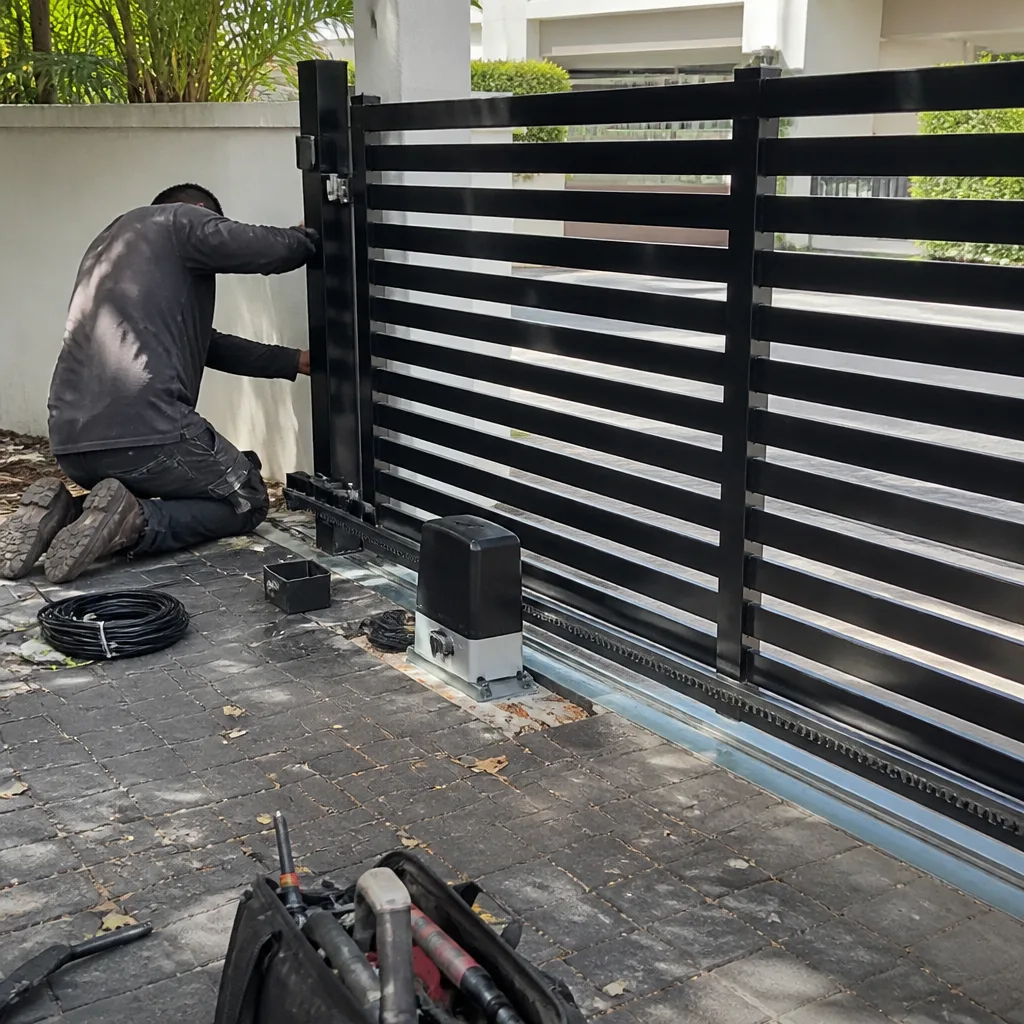
- On a slide gate, check the rack and the gear. A missing section of rack, a worn gear tooth, or a piece of gravel wedged in the rack will cause exactly this consistent stop-point behavior. Run your hand along the rack with the operator disengaged. A single bad spot in the rack can convince a homeowner to replace an entire operator that was working fine.
What to do about it: if the gate binds, the fix is mechanical. Re-align the gate, replace the worn roller or hinge, clean the track, or repair the rack. If the limit has drifted, the fix is a recalibration, which is a five-minute job on most Linear and BFT operators and a fifteen-minute job on some LiftMaster models. Neither fix requires replacing the operator. A technician who defaults to “you need a new operator” without checking the limit calibration or the physical travel is guessing, not diagnosing. We start every partway-stop call by disconnecting the operator and pushing the gate by hand before we quote a single part.
Gate Opens But Won’t Close: Safety Loop and Sensor Failures
A gate that opens fine but refuses to close, or closes partway and then reverses, is almost always a safety input problem, not a motor problem. Automatic gates are designed to fail safe: when a safety device says “something is in the way,” the gate refuses to close. The challenge is figuring out whether something is actually in the way or the safety device itself has failed. Here is the breakdown.
Safety Loops vs. Safety Sensors
Underground safety loops are coils of wire buried in the driveway that detect the metal mass of a vehicle. Photo-eye sensors are the small transmitter and receiver units mounted on posts or walls near the gate path. Both serve the same purpose: prevent the gate from closing on a car or a person. Both fail in ways that mimic each other, and misdiagnosing one as the other is the most expensive mistake in gate repair, because a loop replacement involves cutting concrete and a photo-eye replacement involves ten minutes and a screwdriver.
Here is how to tell them apart without specialized equipment:
- Put the gate in manual and drive your car onto the loop area. If the gate operator beeps or flashes an alert when a car is on the loop, the loop is detecting the vehicle and the loop is probably fine. If the gate ignores the car completely, the loop is dead, the loop detector board is failed, or the loop wire is cut.
- Wave your hand in front of each photo eye. The operator should respond, usually with a click or a light change. A photo eye that is dirty, misaligned, sun-blinded, or failed will not respond. In Miami Gardens, heavy rain and irrigation overspray routinely foul photo eyes, and the afternoon sun angle can blind a poorly positioned receiver.
- Check the photo-eye alignment. Most photo eyes have an indicator LED that is solid when aligned and blinking when not. A blinking LED with a clean lens means the eye is misaligned or the wiring to it is compromised. This is a ten-minute homeowner fix on most systems.
The failed-safety-loop scenario matters because of cost. A loop replacement in Miami Gardens typically involves saw-cutting the driveway, burying new loop wire, and sealing the cut, which is a proper concrete job, not a gate repair job. We can do it, and we do it correctly with the right sealant for South Florida’s heat and rain, but we test the loop detector, the loop wire continuity, and the photo eyes before we quote a saw-cut. Replacing a loop that was not the problem is a multi-hundred-dollar mistake that no homeowner should pay for. If your gate opens but will not close, and you have tested the photo eyes, call us for our Gate Repair services before you call a concrete company. We test the full safety circuit first, because the honest diagnosis is usually cheaper than the wrong repair.
Gate Moves Slowly or Struggles: Load, Voltage, and Wear
A gate that moves, but slowly, or that has become noticeably slower over months, is telling you something about load or voltage. The operator is working; it is working against something that has changed. These are the three most common causes we find on slow gates in Miami Gardens.
Worn Rollers and Bearings
Slide gates run on rollers, and rollers have bearings, and bearings wear out. A worn roller does not roll; it slides, and sliding creates friction, and friction makes the operator work harder and move slower. This is progressive: the gate moves a little slower each month, and the homeowner does not notice until it is dramatically slow. The fix is roller replacement, which is a standard repair and dramatically cheaper than a new operator. The long-term culprit in South Florida is the combination of fine coral-rock dust and humidity that works into bearing seals and accelerates wear.
Low Voltage at the Operator
Gate operators are voltage-sensitive. A long wire run from the house to the gate, a corroded wire splice, an undersized wire, or an aging transformer can deliver low voltage to the operator, and the operator compensates by running the motor slower and hotter. An operator running hot for months fails early. This is a common problem in older Miami Gardens properties where the gate was added years after the house, and the electrical run was marginal to begin with. We measure voltage at the operator under load before we assume the operator is tired.
A Failing Motor Capacitor
On single-phase AC operators, the capacitor provides the startup torque. A capacitor that is failing but not dead will cause slow starts, slow operation, and sometimes a hum before the gate moves. It is a cheap part and a quick replacement on most operators, and we keep common capacitor values on the truck for Linear, BFT, and Viking systems. If your gate is slow but otherwise behaving normally, and the rollers and voltage check out, the capacitor is the next suspect.
Beeps With No Movement: Reading Error Codes Without a Manual
A gate that beeps at you and refuses to move is trying to communicate. The beeps and lights are an error code, and you do not need the manual to read the basics, although the manual always helps. Here is a general decoding for the most common residential and commercial operators, based on the flash and beep patterns we see every week.
LiftMaster and Linear Systems
On most LiftMaster and Linear operators, the control board has a diagnostic LED that blinks in sequence. Count the blinks between pauses. Two blinks is usually a limit switch fault. Three blinks is often a force or obstruction error: the operator detected more resistance than expected and stopped for safety. Four blinks typically indicates a safety input problem: a stuck photoelectric sensor, a bad loop detector, or a wiring fault on the safety circuit. Five blinks on several Linear models points to a motor or capacitor fault. The exact codes vary by model and revision, but the pattern logic is consistent: low counts are limits and basic inputs, higher counts are safety devices and system faults.
BFT Systems
BFT control boards use a display or an LED sequence, and the codes on BFT are more model-specific. What we can tell you from experience in Miami Gardens: the most common BFT fault code we see after a storm is an input fault on the safety edge or the photo cells, triggered by water intrusion in a junction box. BFT gates that beep and refuse to move after heavy rain are usually a wet safety circuit, and the fix is drying, sealing, and re-testing, not a new board.
FAAC Systems
FAAC operators use a diagnostic LED that can flash a pattern, and on higher-end hydraulic units there is a fault log accessible through the panel. The most common no-movement FAAC fault we see is a failed or drifted limit switch on the hydraulic ram, followed by low hydraulic fluid on older models. FAAC systems are durable, but they are also less forgiving of skipped maintenance than belt-driven operators.
Here is the practical takeaway: count the beeps or blinks, write down the sequence, and call a technician who knows your brand. That sequence is the beginning of the diagnostic, not the end, but it narrows the search dramatically. When you call Electric Gate Repair in Miami Gardens, describe the pattern exactly. “It beeps three times and then nothing” is more useful than “it’s broken,” and it lets us arrive with the right parts more often.
Intermittent Failures vs. Hard Failures: Why the Difference Matters in Miami Gardens
A gate that fails every time is easier to diagnose than a gate that fails sometimes. Hard failures are usually a dead component: a blown capacitor, a failed board, a snapped chain. Intermittent failures are almost always a connection issue, and in Miami Gardens specifically, the climate is the enemy of connections.
Here is what Florida’s heat and humidity do to gate systems. The daily thermal cycle expands and contracts every wire connection, every solder joint, and every terminal screw. Over years, this thermal cycling loosens connections that were tight when they were installed. The humidity, combined with salt air in areas closer to the coast, accelerates corrosion on any exposed copper or steel. Our wet season delivers months of daily rain that finds its way into junction boxes, conduit, and control housings. The result is an environment designed to create intermittent faults: a connection that fails when hot and works when cool, a splice that corrodes just enough to resist low-voltage signals but not enough to fail completely, a relay that sticks when humid and releases when dry.
What does this mean for you? If your gate fails only in the afternoon, or only after rain, or only on the hottest days, you likely have a connection problem, not a component problem. The fix is often a tightening, a cleaning, a re-termination, or a wire replacement, and the labor is typically far less than a board replacement. What it means for us: on every intermittent gate call in Miami Gardens, we inspect and re-terminate connections before we condemn any component. This is the repair-first difference: a connection is a repair. A control board is a replacement. We exhaust the repair options before we quote the replacement, because that is the honest order of operations.
If your gate works in the morning and fails by midafternoon, the heat is expanding something into a marginal state. If it works on dry days and fails after rain, water is getting somewhere it should not be. Tell your technician the weather and time pattern. It is free diagnostic information, and it saves labor time.
What Is Safe to Check Yourself vs. What Risks Your Warranty
Some troubleshooting is safe and useful for any homeowner. Some is genuinely dangerous, and some will void your operator’s warranty if a manufacturer learns you have been inside the housing without authorization. Here is the honest dividing line.
Safe to Check Yourself
- Power source: Outlet, GFCI reset, breaker, visible damage to the power cord. This is basic electrical safety and perfectly reasonable for a homeowner to check.
- Manual operation: Pulling the release handle and pushing the gate by hand to test for mechanical binding. This requires no tools and no electrical exposure.
- Visual inspection: Looking at the track, the rollers, the hinges, the rack, and the photo eyes for visible damage, debris, or blockage. Cleaning a track and wiping a photo-eye lens are legitimate homeowner maintenance.
- Photo-eye alignment: Adjusting a photo-eye bracket so the indicator LED turns solid. This is non-invasive and intended to be adjustable.
- Error code counting: Counting beeps or blinks and writing down the sequence. No disassembly required.
Call a Professional Instead
- Anything inside the operator housing. The control board, capacitor, and motor terminals carry live voltage even when the operator is unplugged, because capacitors store a charge. A charged capacitor can injure you, and the injury is entirely avoidable. This is the line we draw for every customer.
- Any spring, counterweight, or tensioned component adjustment. Gate springs store energy, and they are under tension. A spring under tension that releases while you are working on it can cause serious injury. This is a trained-technician task, full stop.
- Any electrical splice or wire repair on the operator circuit. Gate operators run on line voltage, and a poorly made splice is a shock hazard and a fire hazard. If you are not experienced with electrical work, this is not the place to learn.
- Any control board replacement on a unit under warranty. Opening the housing on a warrantied operator and replacing a board yourself will, in most cases, void the remaining warranty. Manufacturers can tell when a unit has been opened. We handle warranty-sensitive work with the documentation and care it requires.
The guide’s first principle applies here: reading your gate’s behavior is safe and valuable. Modifying your gate’s internals is neither. Diagnose like a specialist, but let a specialist turn the wrench when the wrench goes inside the housing.
Common Mistakes to Avoid
- Replacing the control board before checking the safety circuit. A gate that opens but will not close is usually a safety loop or photo-eye issue, not a board issue. We have replaced boards for customers who replaced their own boards first and still had the same problem, and the second diagnosis found a wet photo-eye wire.
- Replacing the operator before checking the gate itself. A binding hinge, a seized roller, or a warped gate leaf will kill a brand-new operator just as effectively as it killed the old one. The gate and the operator are a system; replace the operator without fixing the binding and you have bought the same failure twice.
- Ignoring intermittent failures until they become hard failures. That occasional failure is a connection loosening or corroding, and it is a cheap fix today and an expensive fix next year. Every day it runs hot or arcs is a day it gets worse.
- Adjusting the force settings to overpower a binding gate. The force adjustment exists for safety. Cranking it up so the gate muscled through a bind is how gates crush things and how operators burn out early. If the gate binds, fix the bind.
- Testing a safety loop with a bicycle. Safety loops detect metal mass, and some smaller vehicles and most bicycles and motorcycles do not have enough ferrous mass to trigger a loop. Test with your actual car, not a bike, before concluding the loop is dead.
- Replacing a fuse without finding the cause. A fuse blows because something drew too much current. If we had a dollar for every homeowner in Miami Gardens who replaced the fuse and called us a week later, the fuse itself would be the most profitable product in gate repair. Find the cause, then replace the fuse.
When to Call a Professional
Call a professional when the problem is inside the operator housing, when it involves springs or tensioned components, when you have replaced the fuse and it blew again, or when your diagnostic work has narrowed the problem to something you cannot safely or confidently repair. Also call when you simply do not have time to troubleshoot: a broken gate on a Miami Gardens commercial property is a security and access problem, and it needs to be fixed today, not this weekend. Gate Installation in Miami Gardens is also available if your gate is beyond reasonable repair and needs a full replacement. Archway Gate Repair offers free estimates in Miami Gardens, and we work on the brand already on your property, from the motor to the hinge. Call (855) 360-5306 and tell us exactly what the gate is doing. The more detail you give us, the more likely we arrive with the right parts on the first trip.
Frequently Asked Questions
A gate that stops consistently at the same point is hitting a mechanical obstruction or being stopped by a limit switch that has drifted out of calibration. Disconnect the operator and push the gate by hand through that spot; if you feel resistance, the gate is binding and the fix is mechanical. If the gate moves freely, the limit switch needs recalibration. Both are repairable without replacing the operator. Call (855) 360-5306 for a free estimate on either fix.
Gate repair in Miami Gardens ranges from about $150 for minor photo-eye realignment or limit recalibration to $400-$800 for roller replacement or control board repair, with full operator replacements running higher depending on the brand and the gate size. The exact price depends on your gate’s brand, the failing component, and whether the gate is a slide or a swing. We quote every repair before any work starts, so you will know the exact number before we touch a tool. Call (855) 360-5306 for a free estimate, and we will ask the diagnostic questions that let us quote accurately before we arrive.
A gate that fails on a daily schedule, especially in the afternoon heat, is usually suffering from thermal expansion in a marginal electrical connection. Florida’s daily temperature swing expands and contracts wire connections, and a connection that is barely making contact in the cool morning can fail in the afternoon heat. The fix is typically a tightening or re-termination of the affected connection, and it is far cheaper than replacing the operator. This pattern is worth mentioning when you call us, because it changes where we look first.
You can physically replace a control board, but we do not recommend it: the operator housing contains live voltage and charged capacitors even when unplugged, and opening a warrantied operator voids the warranty. If the board is failed and the unit is out of warranty, the replacement is straightforward for a trained technician, but the lead-up work, confirming that the board is actually the failure, is where the value of experience lives. For guidance on selecting qualified help, see How to Hire a Gate Repair Contractor in Miami Gardens: A Step-by-Step Guide. We have diagnosed many “failed boards” that were actually failed safety loops or loose wire connections, and the customer avoided a board purchase entirely.
A gate that reverses before closing is responding to a safety input: the safety loop, the photo eyes, or the safety edge on the gate leaf. The most common cause in Miami Gardens is a dirty or misaligned photo eye, followed by a failing safety loop that is falsely detecting a vehicle that is not there. Check the photo-eye lenses and alignment first, then call us if the problem persists. We test the full safety circuit before recommending any replacement, because the wrong diagnosis can cost you a concrete saw-cut you never needed.
We are factory-familiar with nine of the most widely installed residential and commercial gate brands, including LiftMaster, FAAC, BFT, Linear, Viking, Ghost Controls, DoorKing, Elite, and Mighty Mule. We work on the brand already on your property, and that brand familiarity means faster diagnosis and fewer wrong-part trips. From the motor to the hinge, we handle the entire system. Call (855) 360-5306 and tell us what brand and model you have; we will tell you what we know about its common failure points before we even schedule the visit.
The Bottom Line
Your gate is not mysterious. It fails in predictable ways, and the failure behavior tells you what broke. A consistent stop-point means mechanical or limit issues. A no-close means safety circuit. A total dead gate means power then board then capacitor. A slow gate means load or voltage. Intermittent failures mean connections, especially in Miami Gardens, where the heat and humidity work against every wire and terminal. Run the diagnostic steps in this guide, and you will know what you are dealing with before anyone shows up. And when you need someone who knows your brand and fixes the gate rather than replacing it, call Archway Gate Repair at (855) 360-5306. Diagnosed, not guessed. Repair first, replace only when necessary.
Written by the team at Archway Gate Repair, serving Miami Gardens since 2011. Explore more guides & resources on gate maintenance and repair.
See the difference
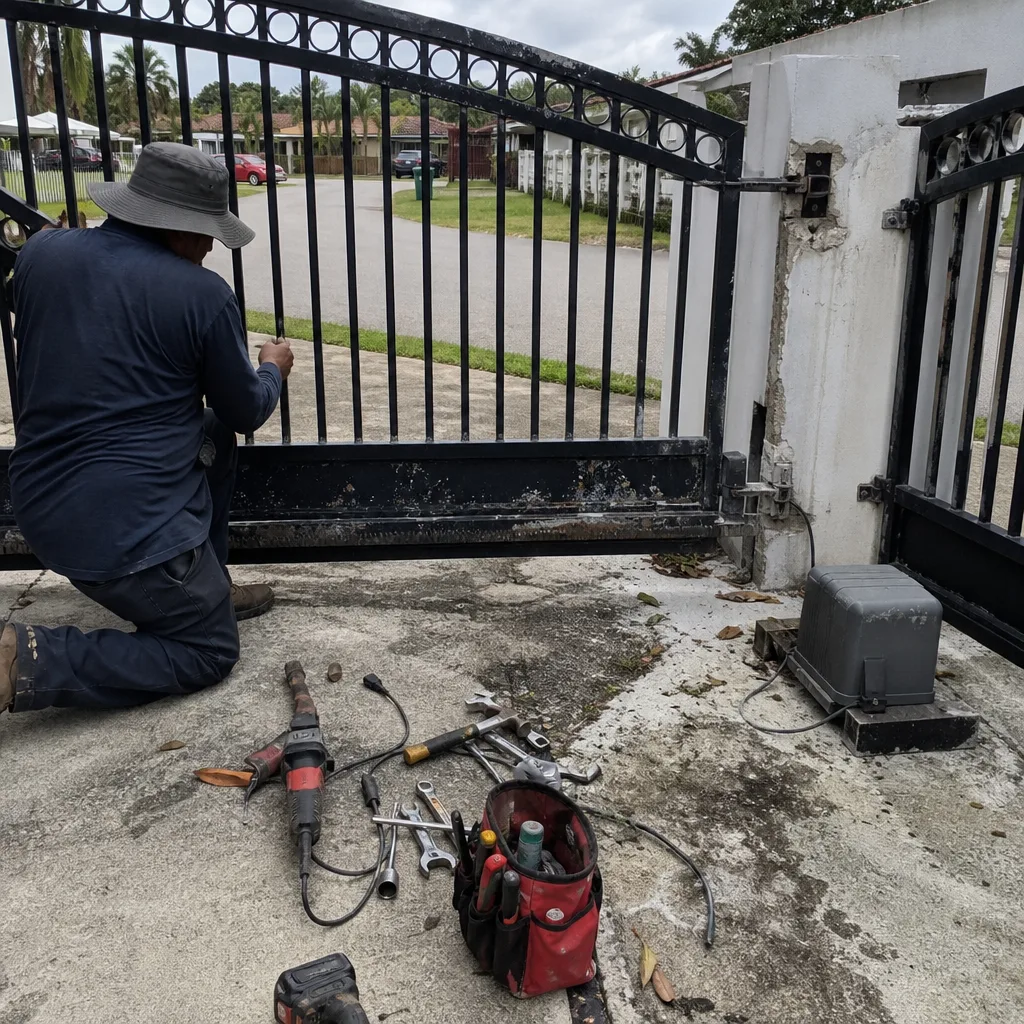 Before
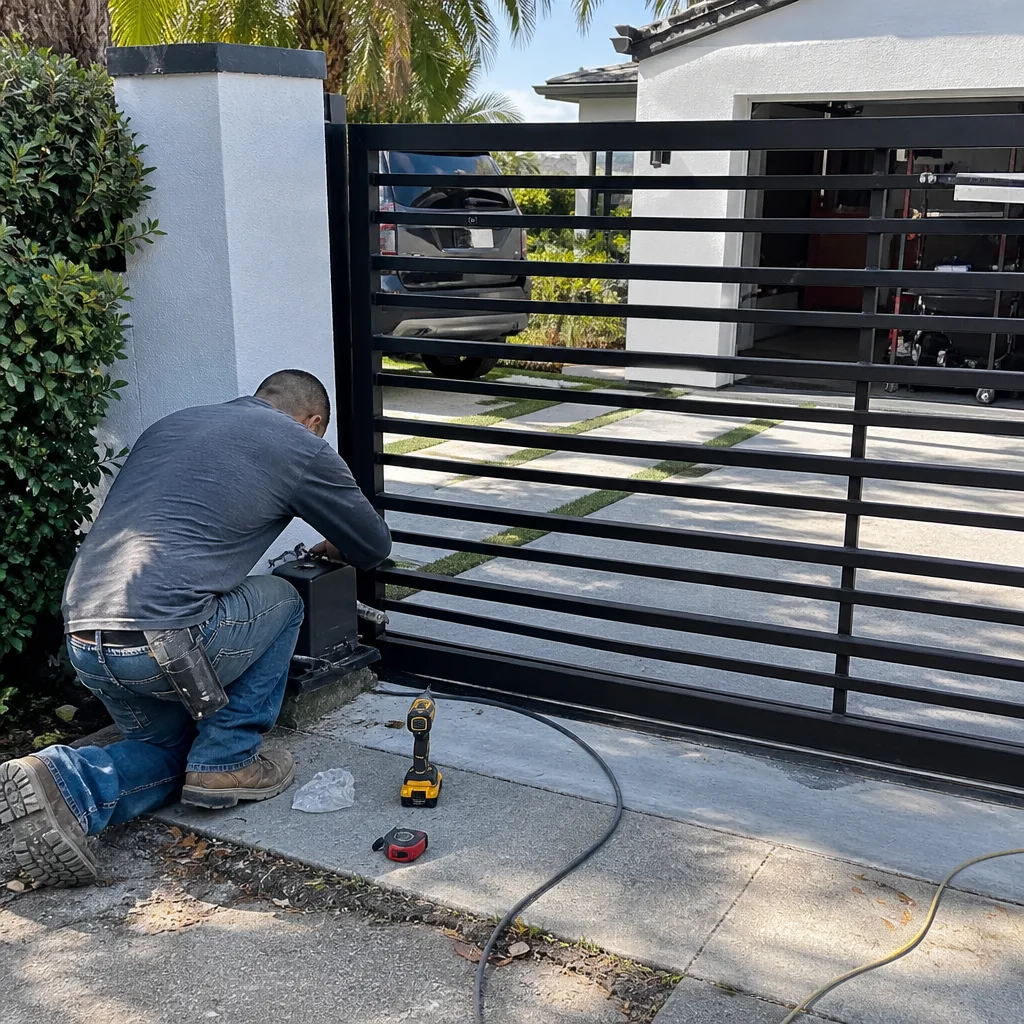 After
After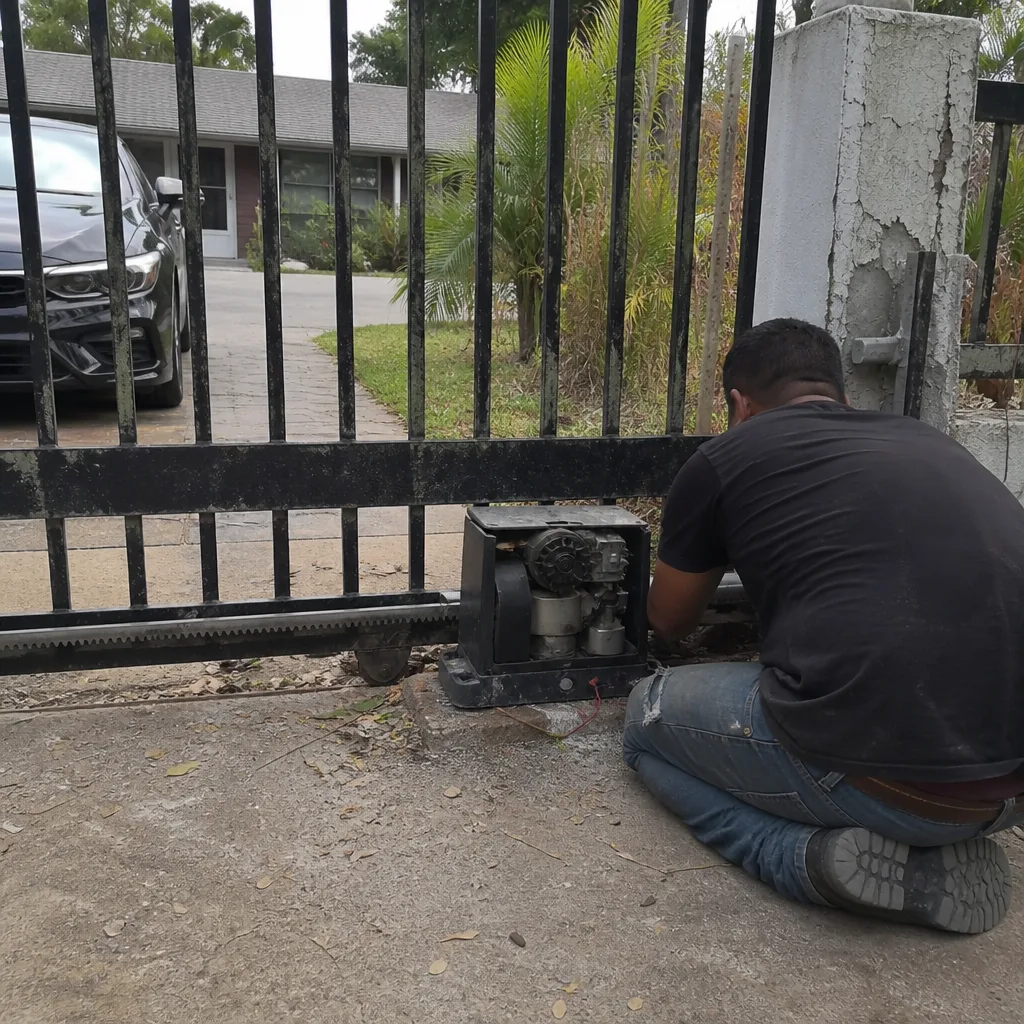 Before
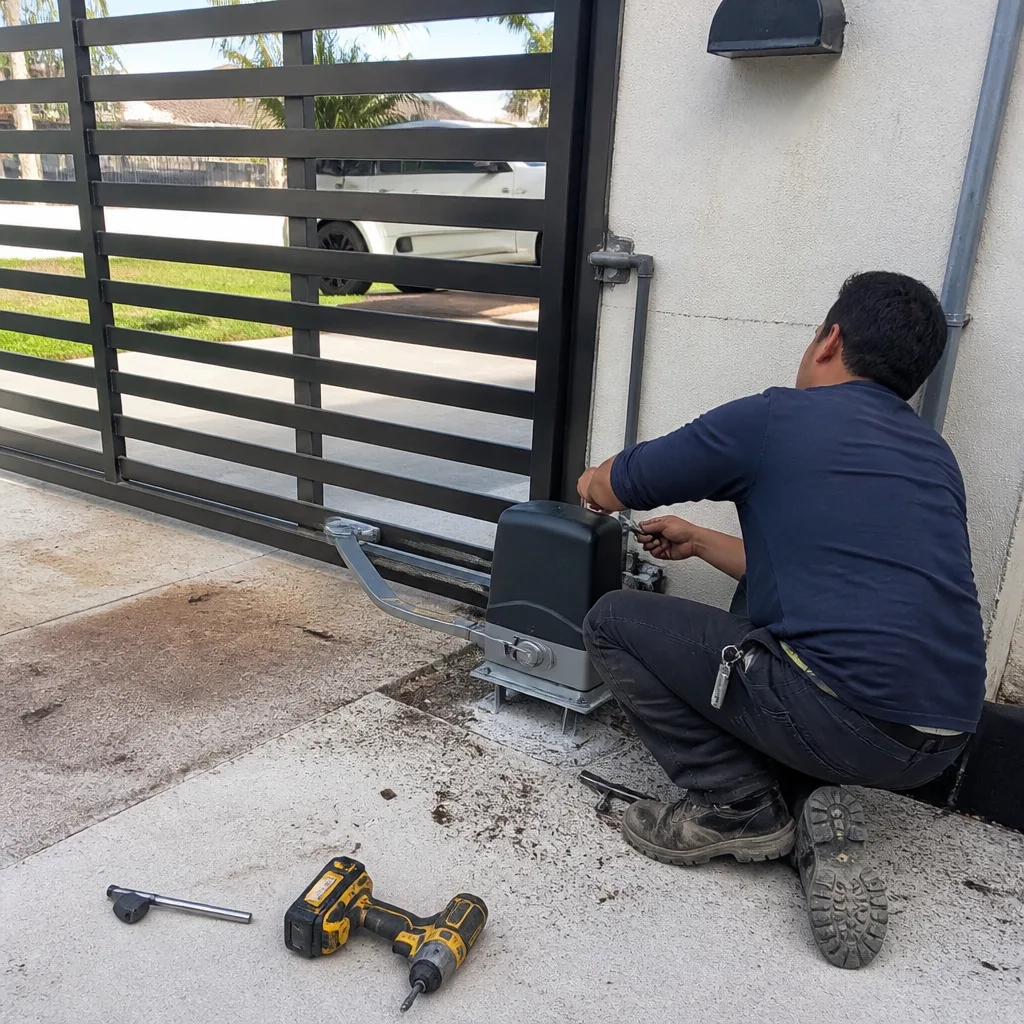 After
After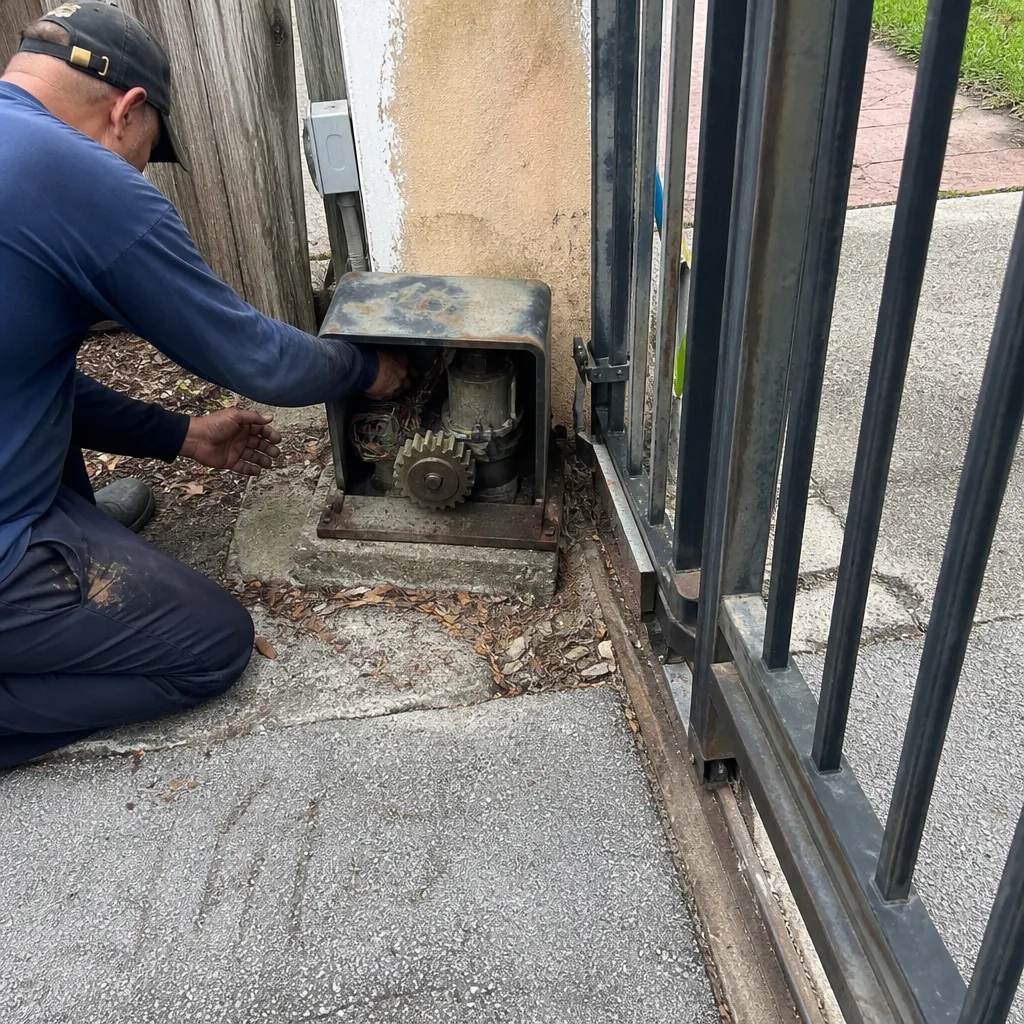 Before
 After
After